
Easy to make, extremely fast shipping, and they look amazing! Shawna ✓ Verified
AI Label Studio
Type your label details — or upload your current label — and our AI designs a print-ready 45 × 19 mm label for VialArt holographic stock. Ten styles, real scannable QR codes, your logo — then order the printed labels in one click. Design a print-ready label with AI in seconds.
Log in to use AI Label Studio
Your Generations are saved to your account — log in and they load automatically on any device.
1. Your Text
2. Upload Existing Label (optional)
3. Upload Logo (optional)
2. AI Instructions
Your Generated Label
Nothing yet4. Your Paper (the AI designs for it — white areas print as bare shining foil)
Choose a style (optional — AI will match & enhance it)
AI enhancements for your uploaded label
5. Generate
🖨️ Print this design?
How many labels do you want? Printed on Aurora holographic vinyl (45 × 19 mm) — change the paper under “Your paper”.
✓ Added to cart!
My designs (tap Rename to organize)
Saved and generated designs land here.
✨ What it can make
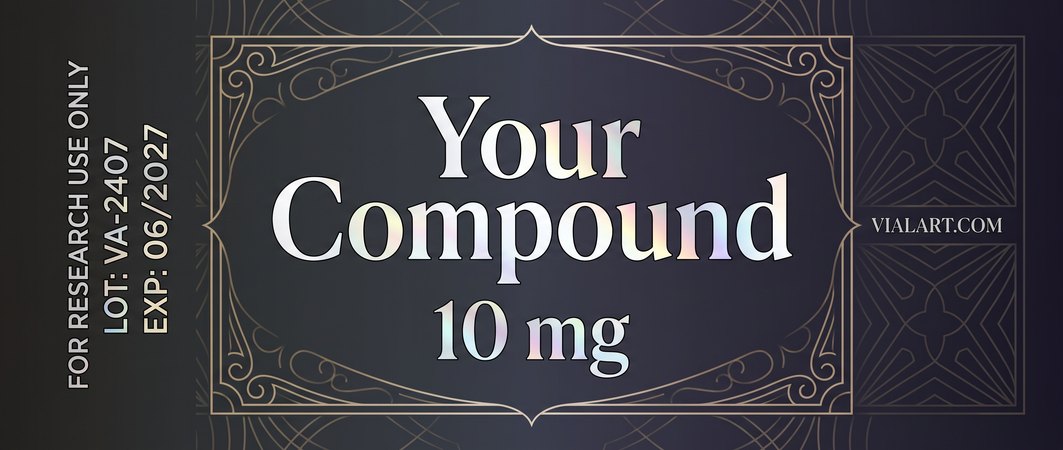
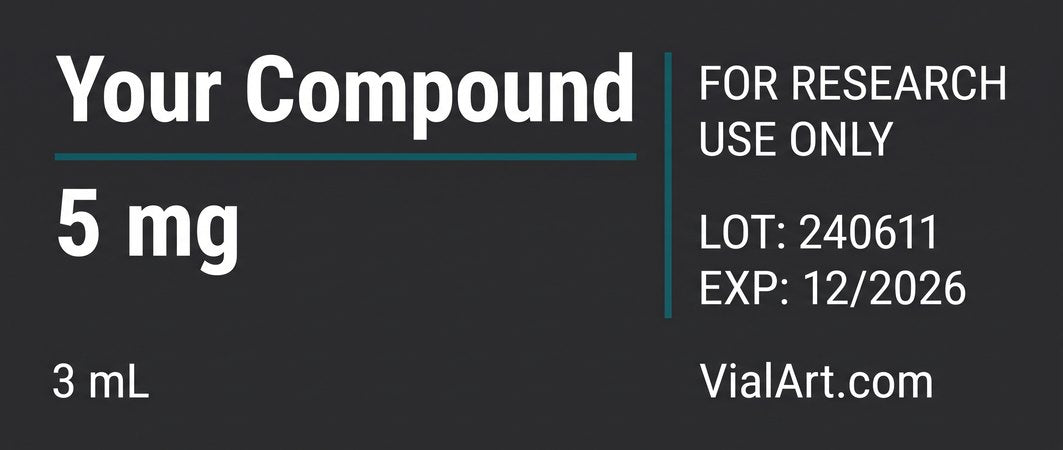
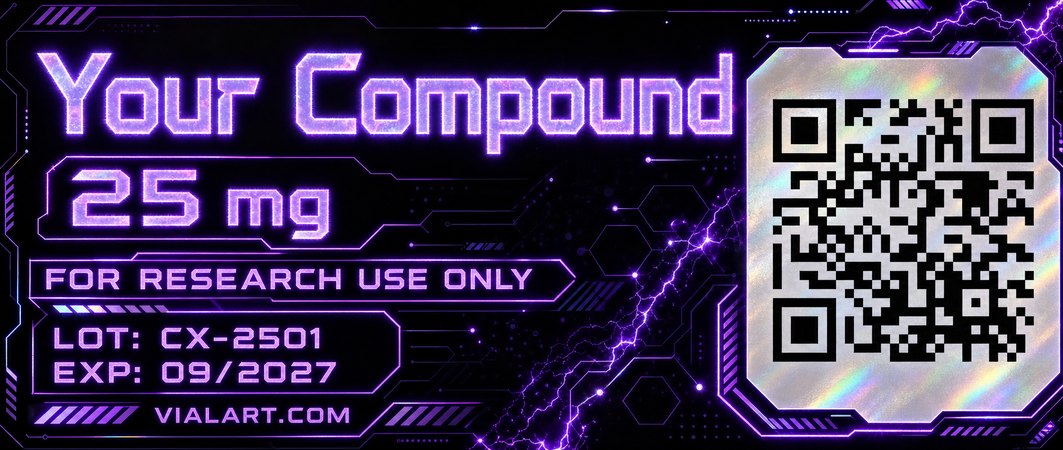
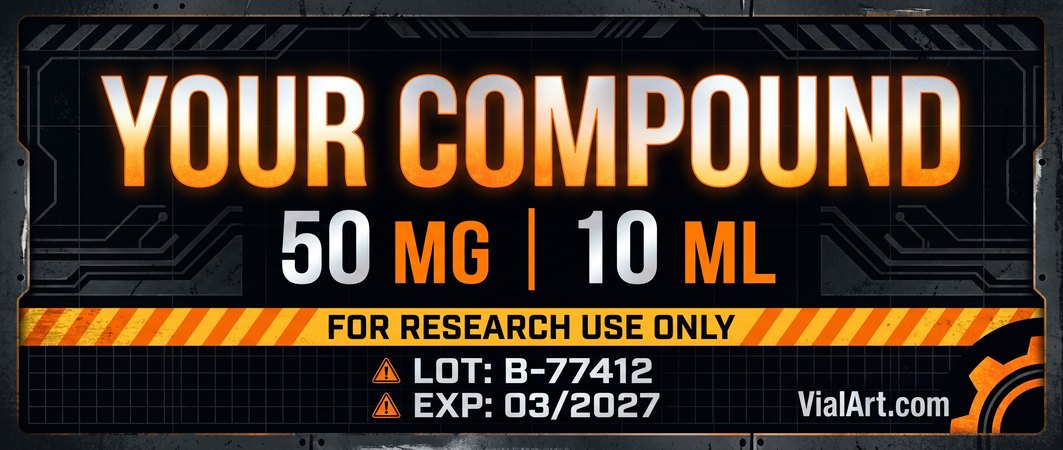
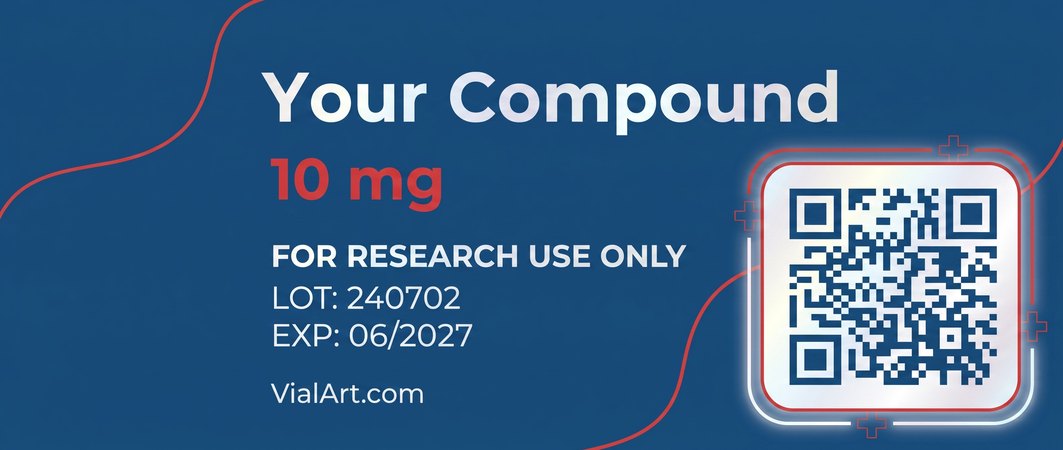
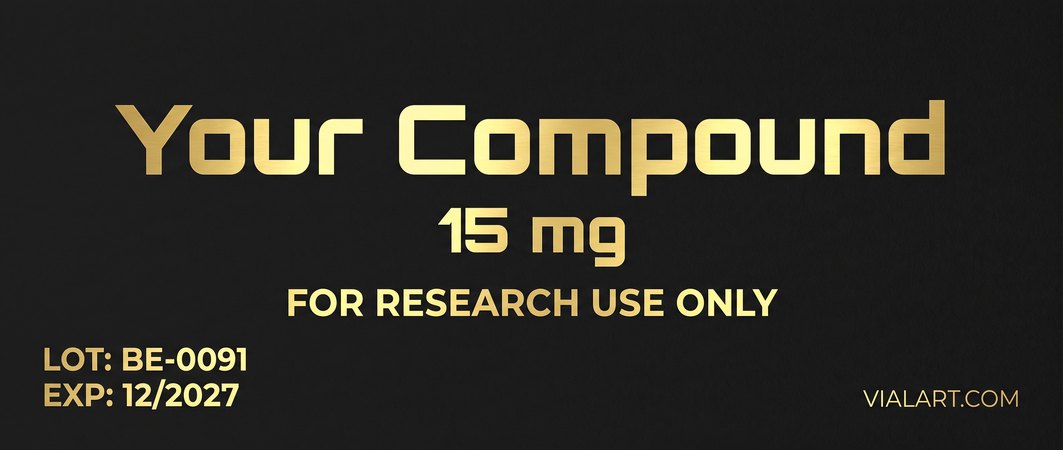
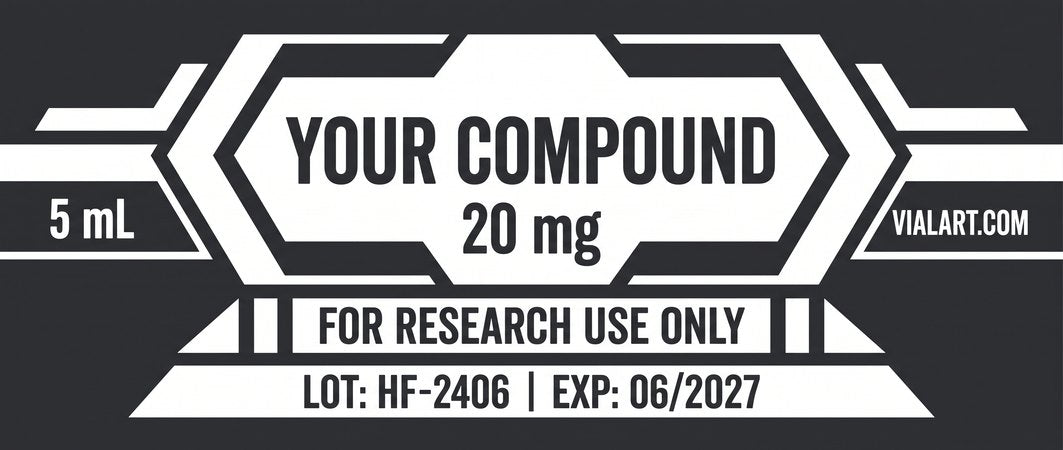
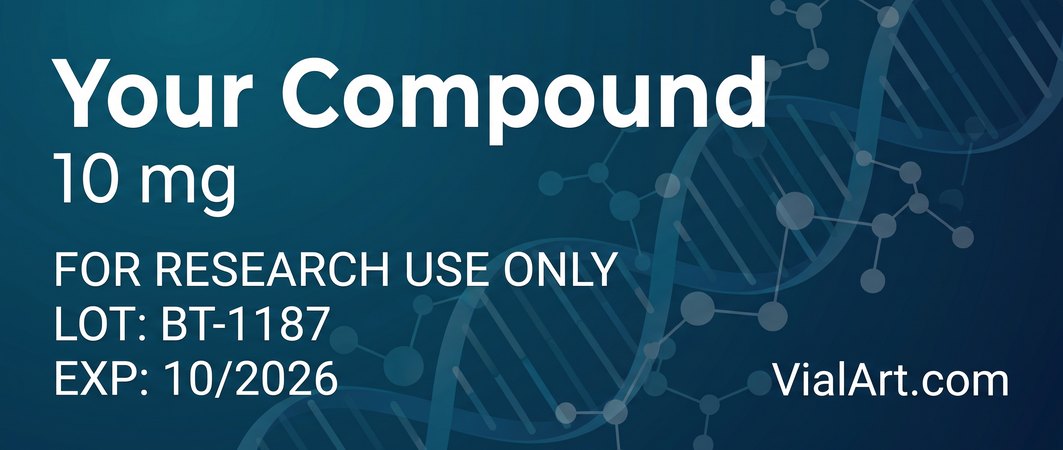
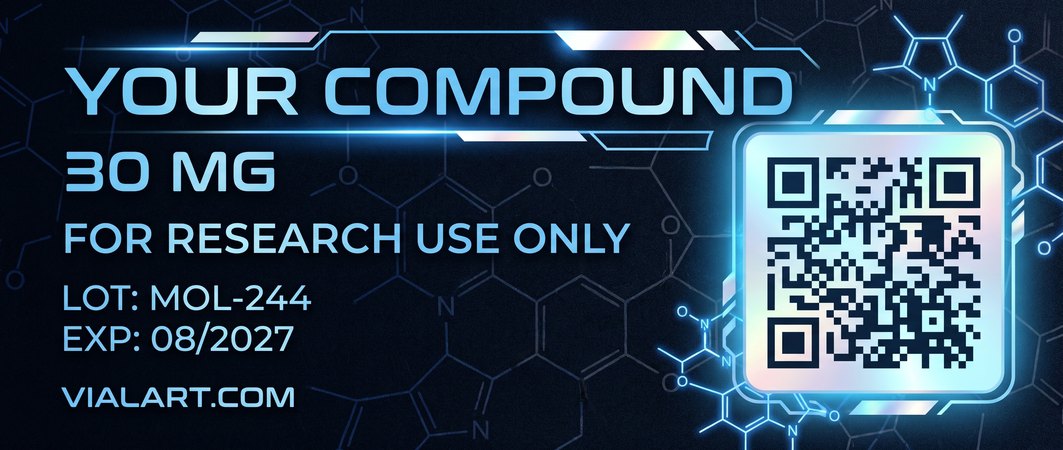
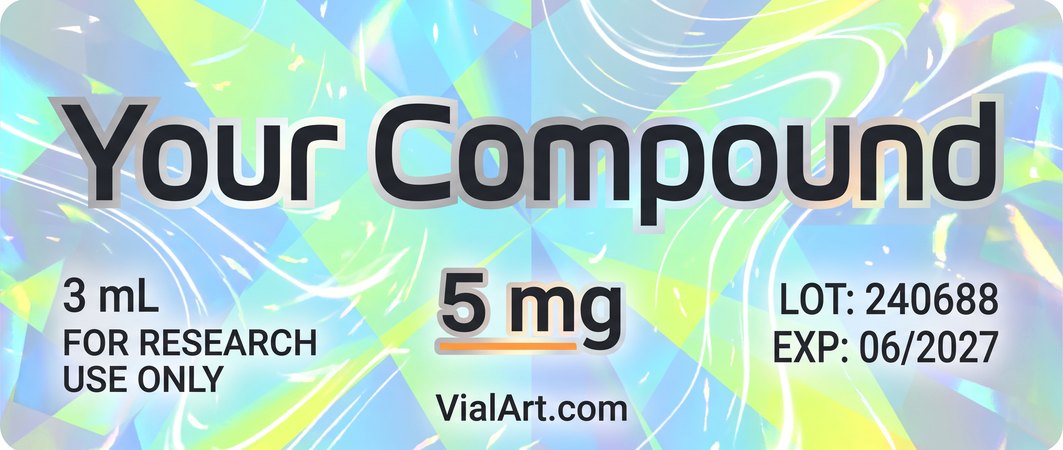
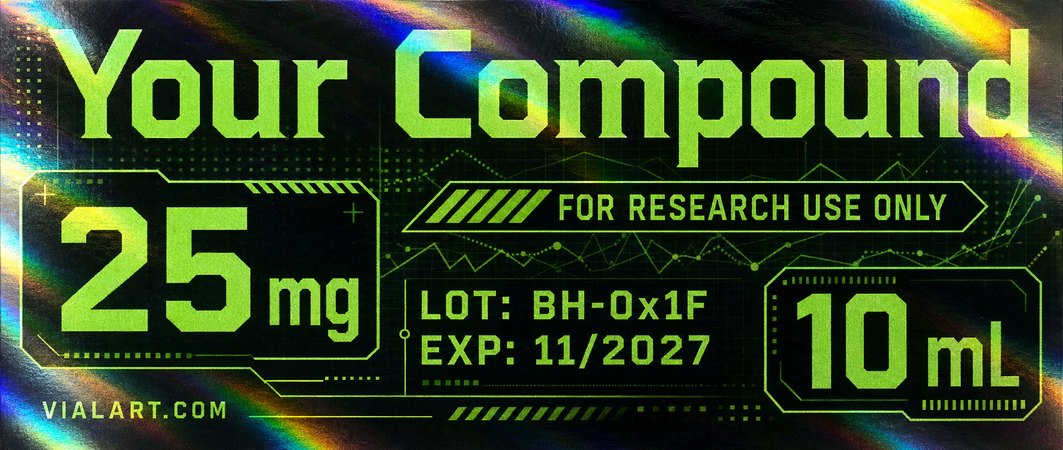
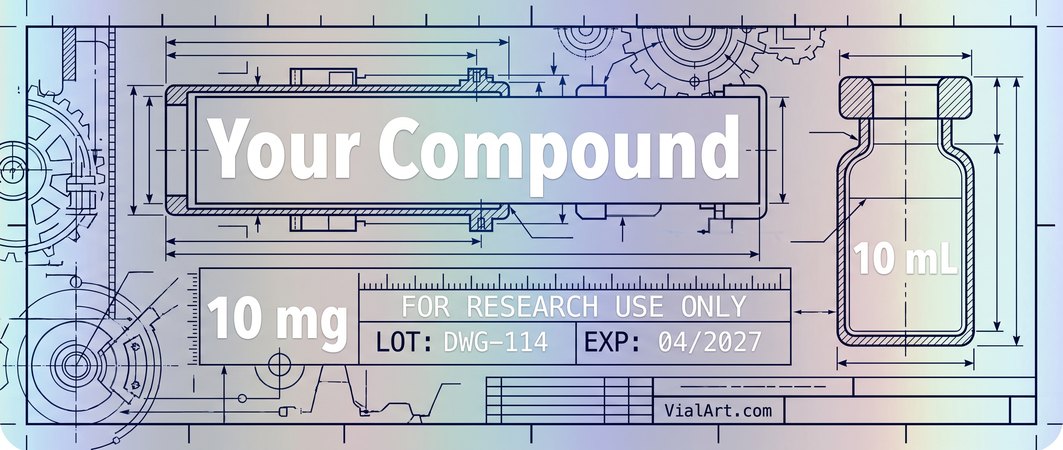
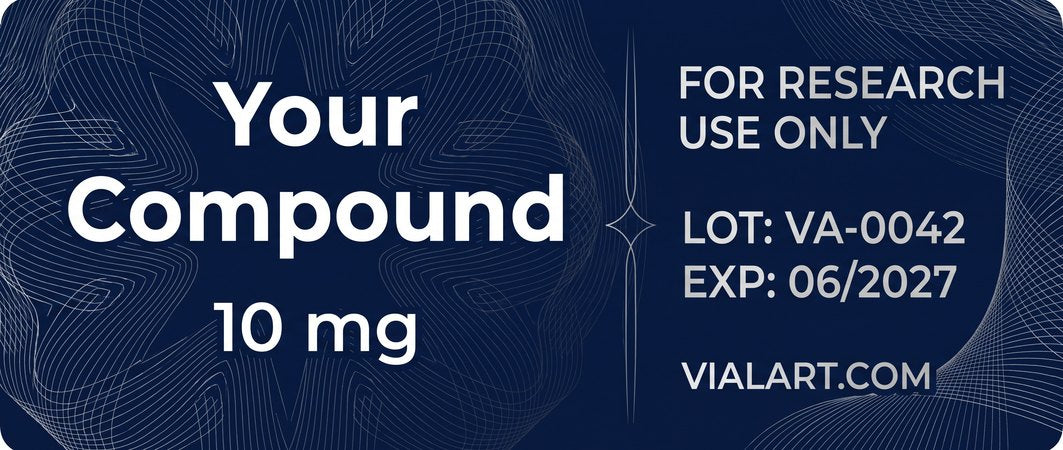
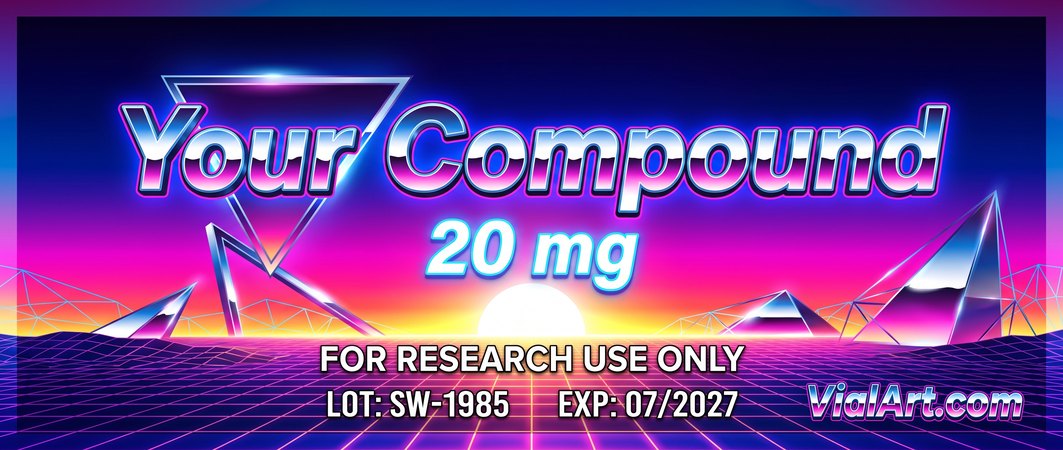
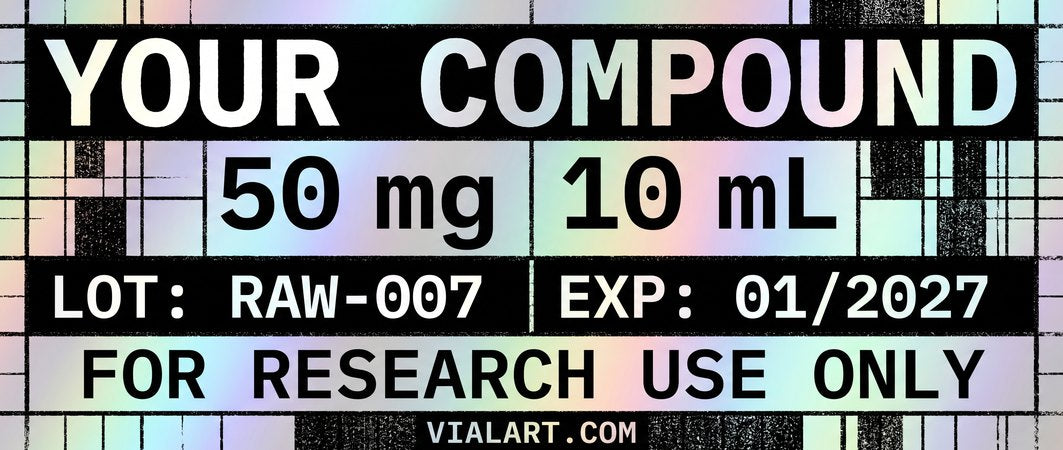
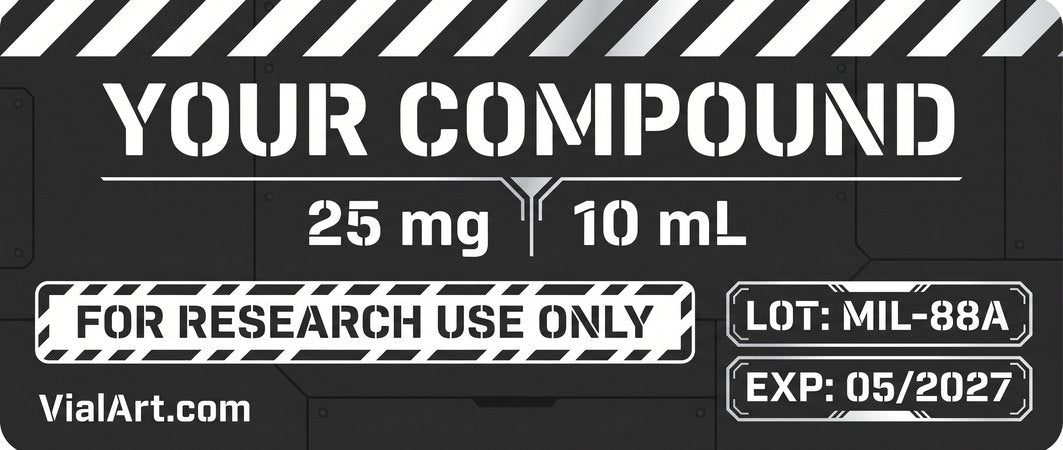
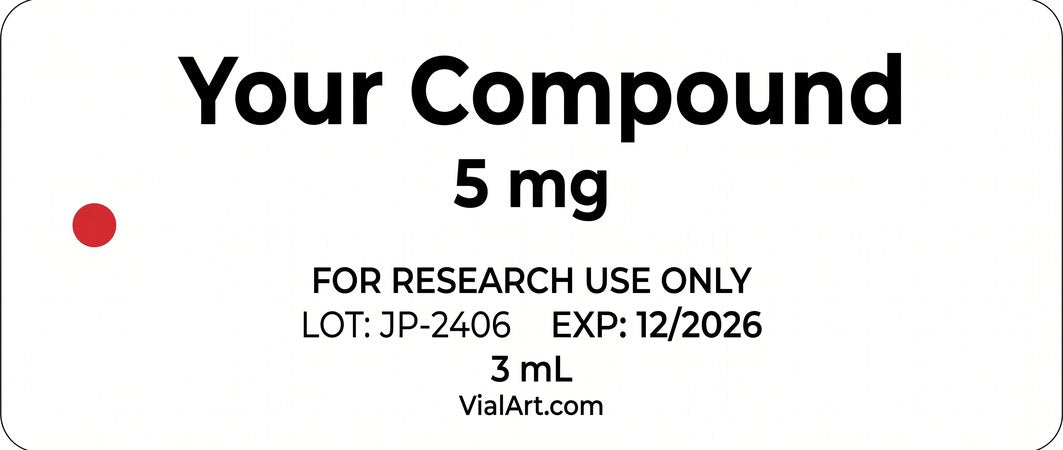
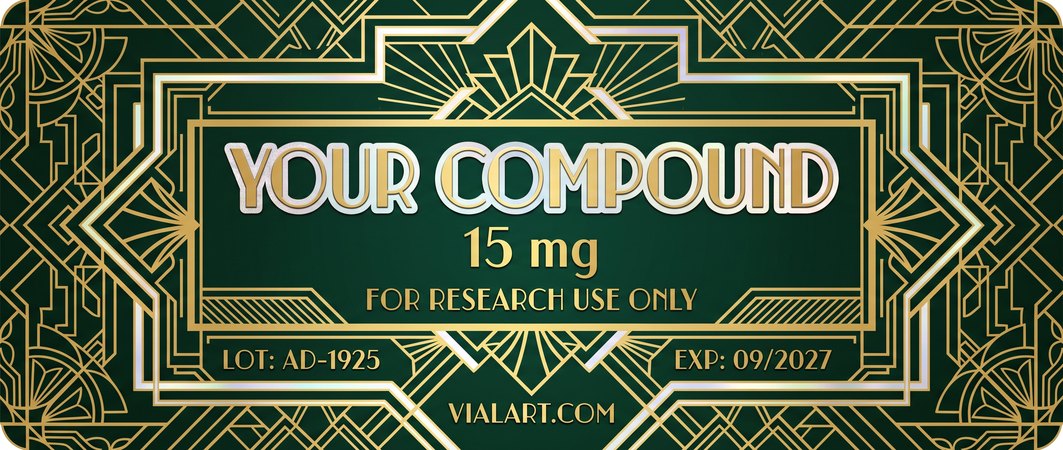
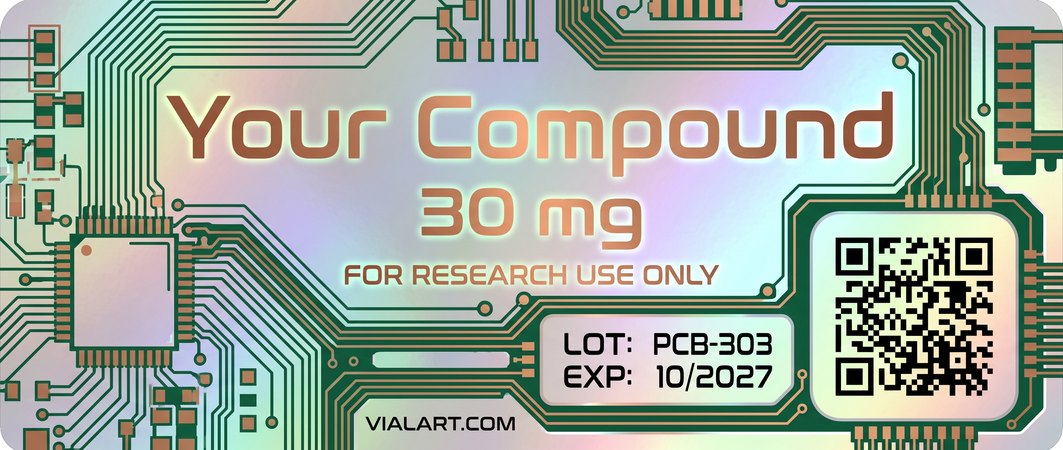
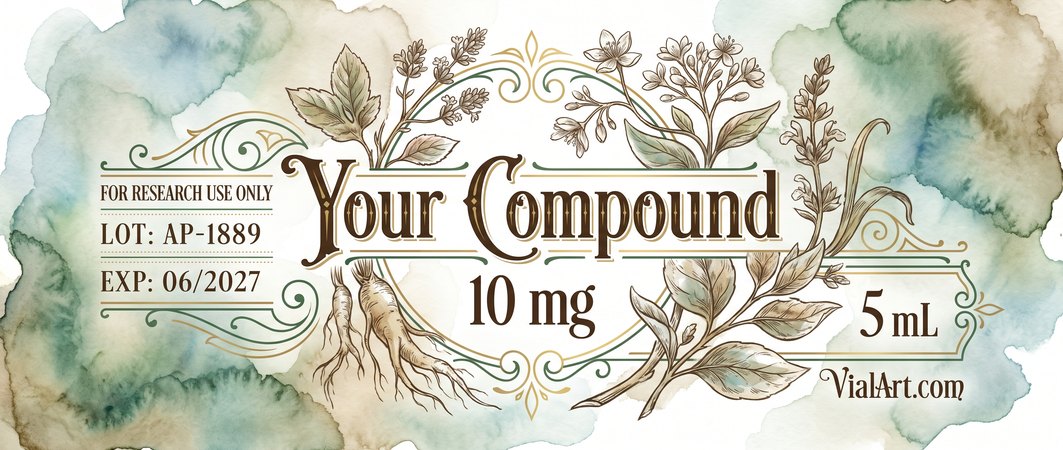
Every design below was generated with AI Label Studio by VialArt — typed in, rendered in seconds, printed on real holographic stock. The QR designs point to vialart.com. Tap any label to view it full size.
💡 What is AI Label Studio?
AI Label Studio is VialArt’s AI label designer. Type what goes on your vial label — compound name, dose, lot, expiry — pick a paper and a style, and the AI designs a print-ready 45 × 19 mm label in about 30 seconds. Preview it instantly, then have us print it on real holographic vinyl and ship it to you.
How do I use it?
1. Type your label details in the Label information card — only the compound name is required. 2. Optionally upload your current label for the AI to redesign, add your brand logo, pick a paper and a style. 3. Hit ✨ Generate Label. 4. Order it printed right from this page.
What does it cost?
$9.99 per label design, and that includes two revisions if the first render is not quite right. Buy as many as you need. They land on your account automatically the moment checkout completes.
What exactly do I get?
A print-ready 45 × 19 mm label design at 2126 × 900 pixels (about 1200 DPI). On screen you see a watermarked preview — order printed labels in one click and they print clean, without the watermark.
Can it include a QR code?
Yes — paste a link into the QR code field and a real, scannable code is designed into the label. Every QR design in the gallery above scans to vialart.com.
Can I use my own label or logo?
Yes. Upload your current label and the AI redesigns it in your new style — you type the text you want on it. Upload a logo (a transparent PNG works best) and it gets placed into the design.
Can I make a matching set for several compounds?
Yes — generate a design you love, then hit 🧬 Matching set (on the preview or next to any saved design) and type the next compound. The AI recreates the same design with the new text — 1 Generation per label. Repeat for every compound in your line.
Do my Generations expire?
They stay on your account for a year. Something not right with a render? Contact us and we’ll make it right.
Confirm
🎨 4 Concepts
Tell each concept what to be — or leave them blank and we’ll pick four contrasting styles for you.
🧬 Matching set
Recreate this exact design with new text on each label. Add as many compounds as you like and generate them in one shot. Tiny variations can occur. 1 Generation per label.